Chain Bridge
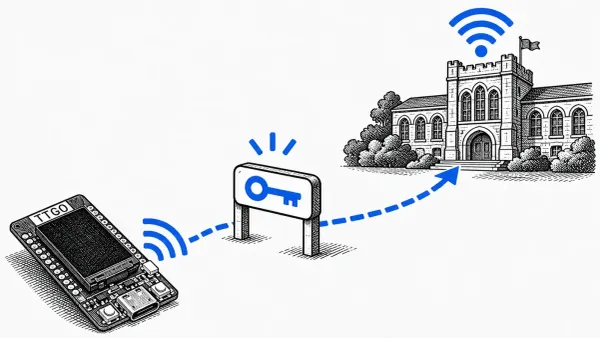
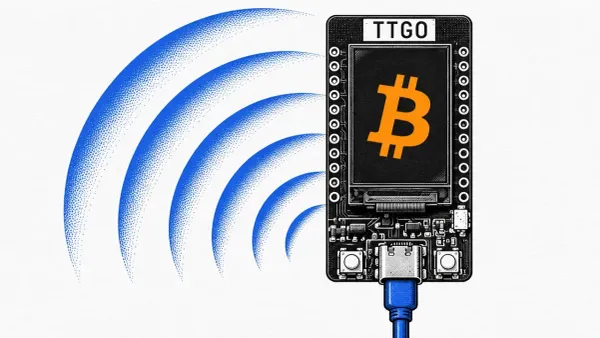
NerdMiner on university Wi-Fi: eduroam and login checks
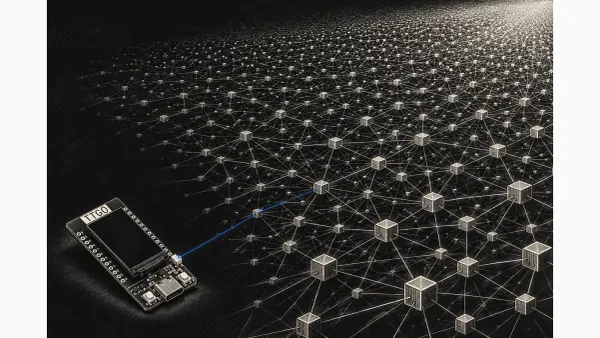
Check campus authentication first, then configure an approved device network and verify that mining work can reach your NerdMiner.
Set up a NerdMiner, choose a compatible pool and understand its display. Find firmware guidance and work through connection problems before changing settings.
Check campus authentication first, then configure an approved device network and verify that mining work can reach your NerdMiner.
A small electricity bill doesn't make an ESP32 miner profitable. Calculate block odds, distinguish expected value from payouts and budget the full hobby cost.
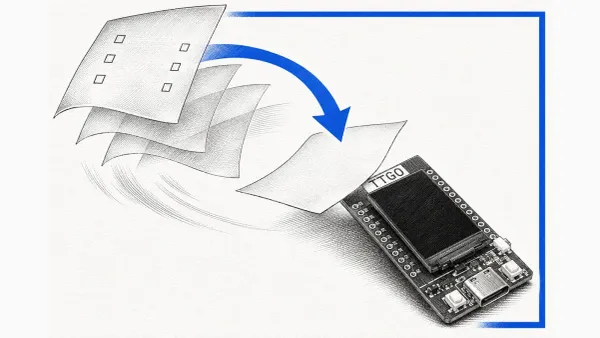
Choose the correct original-firmware reset, keep settings when changing Wi-Fi and recognize SD-card configuration restoration.
Configure OCEAN's address-based mining connection, find your credited work and distinguish TIDES rewards from a completed Bitcoin payment.
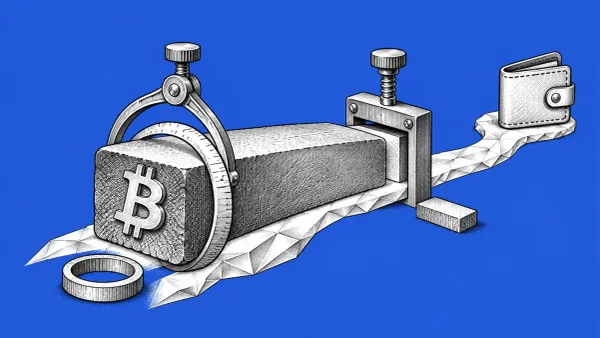
Compare the commission on mining rewards with the cost of receiving them. Payout frequency and conditional discounts can change the result.
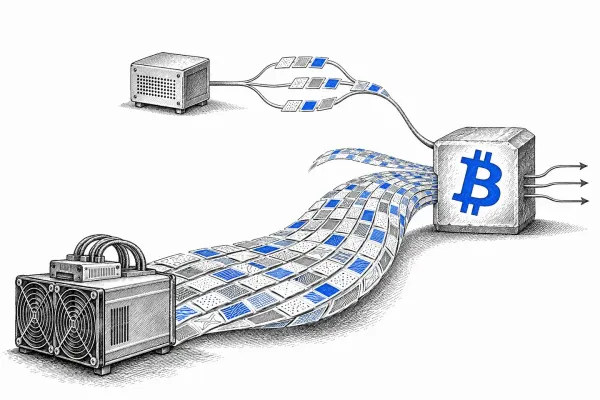
Use a pool that documents micro-miner support, with the right hostname, port and share difficulty.
Check the firmware family, exact board and erase option before choosing an update.
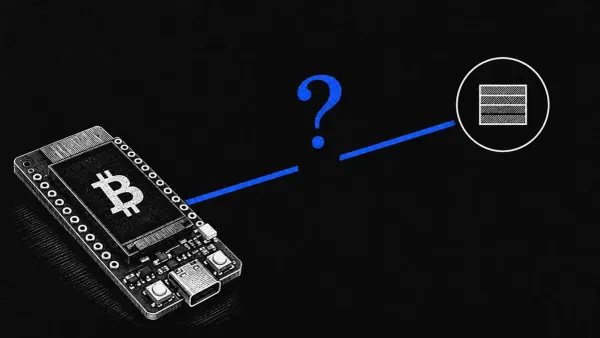
Separate Wi-Fi problems, missing mining jobs and empty pool statistics before changing firmware.
Set up original NerdMiner firmware, choose a compatible pool and check that mining work is arriving.