Chain Bridge

Contents
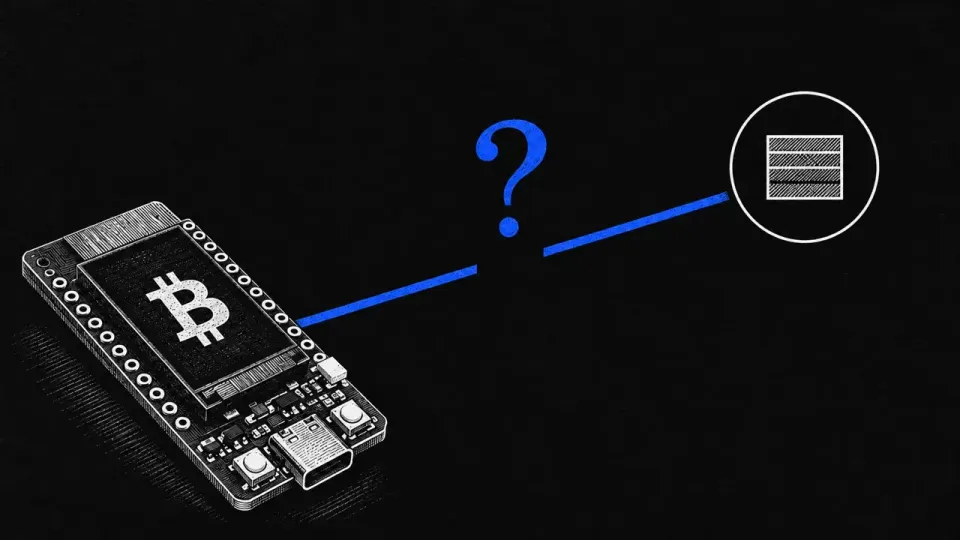
If a NerdMiner connects to Wi-Fi but receives no block templates, check its pool hostname, port and Bitcoin payout address before reflashing. If it keeps returning to its setup hotspot, start with Wi-Fi instead. These symptoms point to different stages of the connection, and resetting the device too early removes useful evidence.
Separate the symptom from the cause
| What you see | Check next | Expected change |
|---|---|---|
| Setup hotspot returns after saving | Saved SSID, password and supported Wi-Fi band | The miner joins your router |
| Wi-Fi works, block templates remain at zero | Pool endpoint, payout address and outbound filtering | The pool sends mining jobs |
| Local hashing works, pool statistics stay empty | Accepted shares, worker identity and pool difficulty support | The operator records work for your address |
| Valid blocks stays at zero | Check jobs and shares separately | No block win is required to confirm a working setup |
This sequence applies to original NerdMiner_v2 firmware. A device branded NMMiner or showing an “80%” progress indicator may use different software. Don't apply its reset instructions or pool field format to another firmware family.
I’d record the displayed counters before making changes, because they help distinguish the original fault from the effect of a new setting. Change one setting, reconnect and check whether new jobs or accepted work appear; repeatedly changing firmware, Wi-Fi and pool together destroys that comparison.
If Wi-Fi isn't staying connected
Reopen configuration using the board's documented method. Check the network name and password, then confirm that the common ESP32 board can join a 2.4 GHz network. A hotel or office network requiring a browser sign-in isn't the same as ordinary password-protected home Wi-Fi.
A supported phone hotspot can help isolate the home network. If the miner works there with otherwise unchanged settings, investigate the router and its filtering. That result narrows the fault; it doesn't prove which router option caused it.
If Wi-Fi works but mining jobs don't arrive
Check every field against the pool operator's instructions. The Nerdminers pool lists pool.nerdminers.org and port 3333. Original firmware expects a hostname and a separate port, not an HTTPS dashboard address. Replace example Bitcoin addresses with your own public receiving address; the project says mining doesn't start without one.
Next, inspect outbound security filtering. In a documented no-block-templates report, the reporter traced the problem to router filtering of the pool port. That's one reported cause, not proof that every similar symptom is a firewall problem. You don't need to expose the miner to incoming internet connections or disable your firewall wholesale.
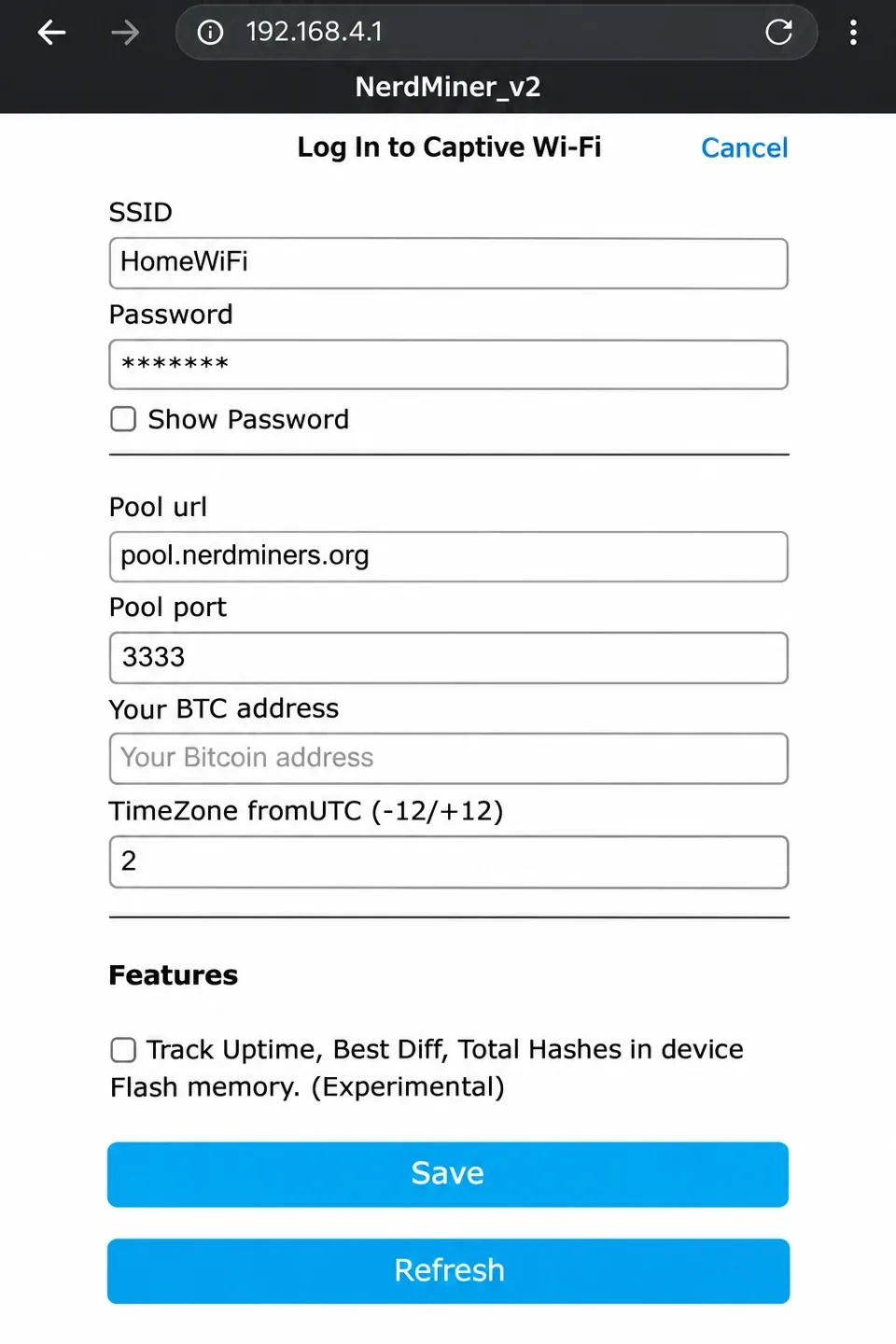
If the display hashes but the dashboard looks empty
Confirm you're viewing the exact public Bitcoin address configured on the miner, including the correct worker convention if the operator uses one. Check whether the pool explicitly supports ultra-low-difficulty miners. The NerdMiner project warns that ordinary pools may not recognize this device's work.
A dashboard estimate depends on accepted shares over time. Local hashing alone doesn't confirm acceptance, and a zero block counter doesn't diagnose a connection fault. Keep those three checks separate.
If logs report rejected shares, preserve the exact rejection message and the firmware version. Rejection by a pool is different from a network timeout and may need the operator's explanation.
Escalate without losing the configuration
Before asking the board seller or project for help, record the board, firmware version, pool hostname, port, displayed symptom and whether another network changes it. Remove Wi-Fi passwords and other secrets from logs. If a board-specific firmware repair is needed, save settings before any erase operation.