Chain Bridge

Contents
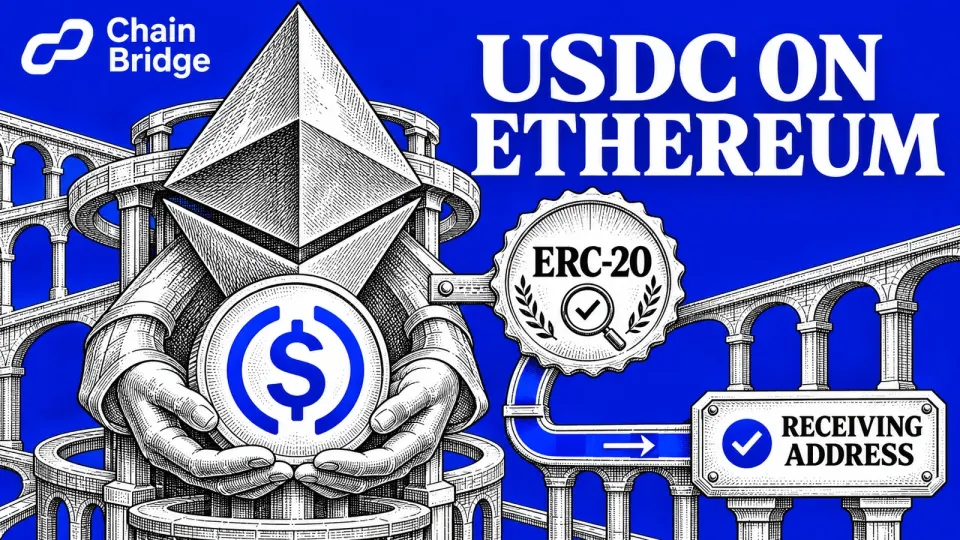
USDC on Ethereum is Circle-issued USDC using the ERC-20 token standard on Ethereum mainnet. To send it, choose Ethereum on both sides of the transfer and verify that the recipient accepts USDC there. I'd check the network before comparing fees: a cheaper Base withdrawal won't satisfy an Ethereum-only deposit instruction, even if the receiving address looks the same.
Verify the Ethereum USDC contract
Circle identifies Ethereum USDC as native ERC-20 USDC. Its official mainnet contract directory lists:
0xA0b86991c6218b36c1d19D4a2e9Eb0cE3606eB48
Use that address to identify the token or add it to a wallet's token list. The recipient field needs the receiving account's address. Don't send funds to the USDC contract itself.
Check the complete contract against Circle's Ethereum mainnet entry. A name, dollar logo or abbreviated address can hide a different token. Circle lists a separate Ethereum Sepolia test token; testnet USDC has no financial value and isn't a substitute for a real mainnet deposit.
ERC-20 defines a token interface, including transfers, balances and spending allowances. It doesn't identify a receiving service's supported network. In a deposit menu, “Ethereum” or “ERC-20” commonly describes the Ethereum route, but confirm the service's actual network instructions before sending.
Match the network at both ends
Start with the destination's USDC deposit screen. If it accepts Ethereum mainnet, choose that network on the sending side too. Read any minimum deposit and additional instructions before choosing the amount. An exchange's list of supported coins without network details isn't enough.
| Your situation | Appropriate action | Check before proceeding |
|---|---|---|
| USDC is on Ethereum; recipient accepts Ethereum USDC | An ordinary USDC transfer on Ethereum. | The receiving address, token, amount and transaction fee. |
| USDC is on Base; recipient requires Ethereum | A supported cross-chain route or an eligible service withdrawal on Ethereum. | The output network and token, all fees, and any completion step. |
| Recipient accepts Base and your USDC is on Base | A Base transfer may already meet the task. | Explicit Base deposit support; don't select Ethereum merely because the asset is called USDC. |
Base is a separate network with its own Circle-listed USDC contract. The USDC on Base guide covers that receiving route. Base's network details also list its own mainnet chain identifier and ETH currency. ETH held only on Ethereum doesn't provide a Base gas balance.
Switching a wallet's selected network changes the balances you're viewing; it doesn't move USDC between chains. A same-chain token swap also doesn't perform that move. Before using a bridge, distinguish native USDC from a bridged representation and check the route's actual output. I wouldn't bridge simply to display a balance that's already on the intended network.
Prepare the fee payment before sending
Ethereum transaction fees are paid in ETH at the network level. For an ordinary self-custody USDC transfer, keep enough ETH on Ethereum for the wallet's current estimate. The fee varies with the operation and network demand; a fixed gas amount copied from another transfer isn't a reliable budget.
A supported wallet can collect the cost from you in a different token. MetaMask's gas-included transactions list USDC as a fee option on Ethereum. Smart Transactions and Estimate balance changes must be enabled. At confirmation, the Network fee selector shows eligible tokens and estimates, including a small MetaMask fee.
Check that option for your actual account and transaction before relying on it. If it's unavailable, arrange ETH on Ethereum or use another supported funding route. I'd compare the amount to arrive and the full fee shown at confirmation, rather than assume that paying in USDC makes the transaction free.
An exchange withdrawal follows the exchange's quoted fee and withdrawal rules. For example, Kraken lists its Ethereum USDC withdrawal fee in USDC. That customer charge and Ethereum's ETH gas payment are different parts of the transfer; don't add a guessed network fee to the quote without checking its terms.
Send and verify an ordinary USDC transfer
First secure the sending wallet's recovery credentials and confirm the recipient's Ethereum USDC instructions. For a small first transfer, account for the destination's minimum and the extra fee; an amount below its crediting minimum won't establish that the route works.
In MetaMask Extension, the documented token-send sequence is:
- Switch to the intended sending account and click Send.
- Select Ethereum and the verified USDC token. Check the token contract if the asset is unfamiliar.
- Enter the recipient's address and amount, then click Continue. Compare the complete pasted address with the destination's current deposit instructions.
- Review the network, USDC amount, recipient and estimated fee. Confirm only after the fee payment is covered and the receiving service accepts this network.
- Open Activity to track the submitted transaction. Check the transaction record on Ethereum's explorer and confirm the recipient's balance or service credit before deciding on another transfer.
A normal token transfer sends USDC to the recipient. An ERC-20 approve action instead gives a spender permission to use tokens; transferFrom can use that allowance later. Approval alone doesn't complete a payment. If a swap or bridge asks for an allowance, verify the application, spender and amount as a separate decision before proceeding.
Submission can initially show as pending. MetaMask marks a successful transfer as Confirmed and updates the balance. An exchange may still be waiting for its own confirmation or crediting requirements. Use the receiving service's current requirements when assessing a delay.
Separate a missing display from a missing transfer
If a balance doesn't appear, start with the transaction hash on the network that sent it. Check whether it is pending, failed or successful, then compare the recipient and token contract. MetaMask's deposit guidance recommends checking the explorer when the balance hasn't updated. A transfer on Base won't appear in the Ethereum USDC balance.
For a successful Ethereum transfer to your own wallet, select the receiving account and Ethereum mainnet. MetaMask normally detects popular ERC-20 tokens, but a missing entry may need to be displayed manually. Its token-display instructions describe searching for a token or adding its contract address.
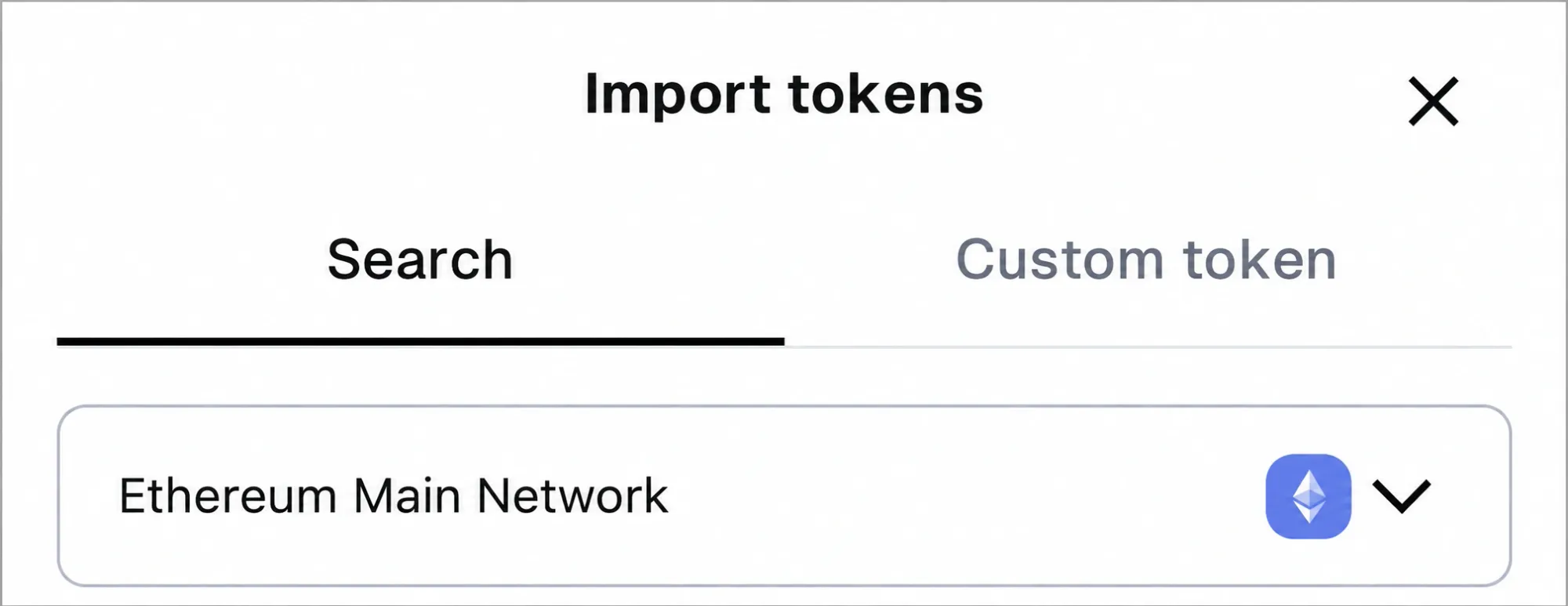
On Mobile, expand the tokens section and tap +. Check the network in the import panel before searching. If a custom entry is needed, use Custom token, paste Circle's Ethereum USDC contract and tap Next. Review the token details before tapping Import. Adding the entry changes the wallet's display; it doesn't recover a transfer to another network or an unsupported service.
For an exchange deposit, compare the transaction with its current crediting rules and contact official support with the transaction reference if needed. Importing a token into a separate wallet can't credit an exchange account. Never disclose a recovery phrase or private key to a “missing USDC” website.
If the source transaction used another chain, open the relevant USDC network guide first. When you need to move the funds to Ethereum, the bridges and tokens hub helps identify the next cross-chain task.