Chain Bridge

Contents
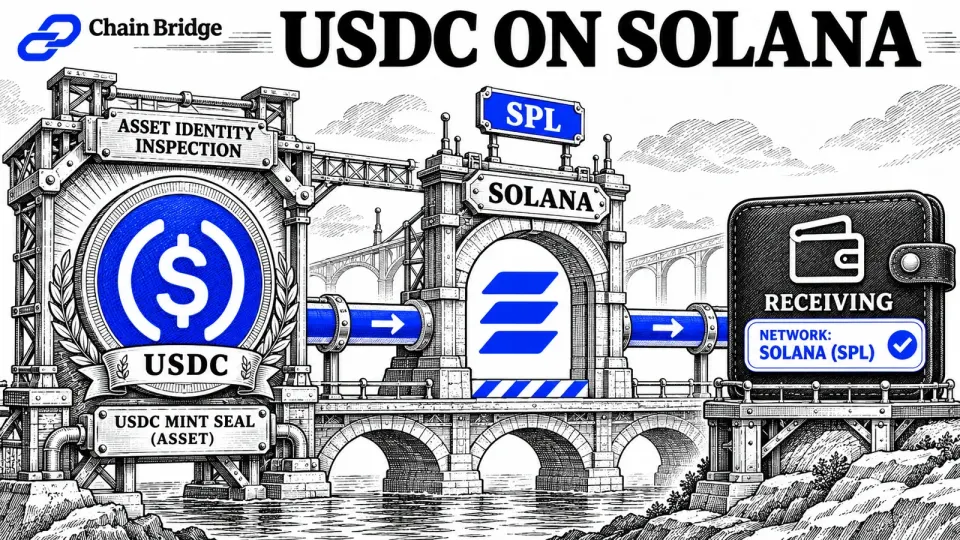
USDC on Solana is Circle-issued USDC using the SPL token standard. To receive it, copy your wallet's Solana receiving address and choose Solana for the sender's USDC withdrawal or transfer. I'd settle that network choice before sending: buying USDC on an exchange doesn't establish which network its withdrawal will use.
Verify the native USDC mint, not just the symbol
Circle identifies Solana USDC as an SPL token. Its official mainnet directory gives this address:
EPjFWdd5AufqSSqeM2qN1xzybapC8G4wEGGkZwyTDt1v
On Solana, this identifies the token's mint account. It isn't your personal receiving address. Circle lists a different USDC address for Solana Devnet; those test tokens have no financial value and can't replace a mainnet deposit.
Solana's token-account documentation distinguishes the mint from the accounts that hold balances. That matters when an explorer shows several addresses around one transfer:
| Address | What it identifies | How to use it |
|---|---|---|
| USDC mint | The token itself, including its supply and authorities. | Compare it with Circle's mainnet entry when checking the asset. |
| Wallet receiving address | The account you're receiving into on Solana. | Copy it from the wallet's Solana receive view, or use the exchange's exact deposit instructions. |
| Token account | One owner's balance of one mint. | Inspect its mint and owner in the explorer. Don't substitute an unfamiliar account for your supplied deposit address. |
An associated token account is the default token account derived for a wallet and mint. It can have a different address from the wallet that controls its balance. That difference alone doesn't mean funds went to someone else; check the owner and mint together.
Copy the Solana address and match the sending route
Secure your wallet's recovery credentials before funding it, then select the intended account. In Phantom's browser-extension receive flow:
- On the Home tab, click Receive.
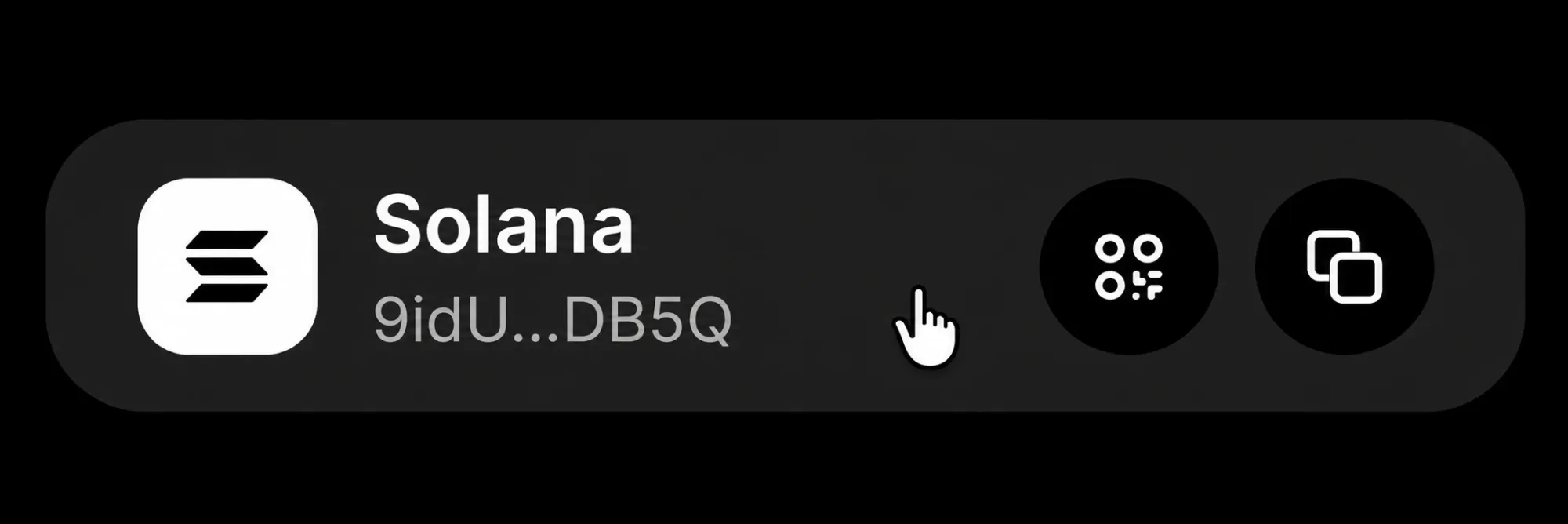
- Find Solana in the network list.
- Click its copy button to copy the receiving address.
- In the sending exchange or wallet, select USDC on Solana, paste that address and compare the complete value before confirming the transfer.
On Phantom Mobile, the entry point is Deposit > Receive Crypto; choose the Solana network and copy its address. Different Phantom accounts have different address sets, so check the account as well as the network.
If your USDC is on Ethereum or Base, a transfer on that network won't make it Solana USDC. Choose a supported cross-chain route or a service withdrawal that explicitly delivers USDC on Solana. Verify native USDC versus a bridged representation at the output; don't assume every token with the same ticker has Circle's mint.
A USDC/SOL trading pair changes which asset you hold. Buying SOL with USDC doesn't transfer your USDC to Solana; it exchanges it for SOL. If the aim is a Solana USDC balance, check both the output token and network before accepting a quote.
Prepare SOL or confirm an eligible gasless send
Solana transaction fees are paid in SOL, with a base fee and potentially a priority fee. For an ordinary self-funded send, keep enough SOL for the wallet's current estimate. A USDC balance by itself doesn't pay a conventional SOL fee.
A new associated token account can also require a refundable minimum balance for account storage. The account-creation payer funds it, even when another wallet will own the token account. This is separate from the network processing fee; review any account-creation cost in the actual transaction rather than budget from a generic transfer price.
There is a wallet-specific exception. Phantom's gasless sends apply to eligible verified Solana tokens when you send at least $0.30. Phantom handles eligibility automatically and deducts a flat fee from the token being used. There is no setting to turn on, and “gasless” doesn't mean free.
Check your actual transfer's fee preview. If it isn't eligible, you'll need SOL. I wouldn't swap away the last SOL just because one earlier send qualified: a different transaction may need a different fee arrangement.
Review the USDC transfer before confirming
First open the recipient's current Solana USDC instructions. An exchange must support both the token and the network; check any minimum deposit and required information before choosing the amount. A small first transfer can help verify the route when its fee and the recipient's minimum permit it.
For an ordinary send, Phantom's browser-extension instructions follow this order:
- Click Send on Home, then choose the verified USDC token on Solana.
- Paste the recipient's address. Resolve any address warning and compare it with the recipient's instructions.
- Enter the amount, then review the recipient, payment token, network fees and amount.
- Confirm only after those details match and the fee is covered. Check the transaction history and explorer record before deciding on another transfer.
Phantom can't reverse a confirmed transfer or retrieve tokens sent to the wrong place. A successful blockchain transaction also doesn't prove that an exchange has credited your account. Its exchange-deposit checks separate transaction success from the exchange's crediting process.
Check the mint and transaction before changing the display
If USDC hasn't appeared, start with the receiving-address and transaction-status checks. Match the account, Solana network, USDC mint and amount. A failed transfer didn't complete; a pending one still needs processing. If no transaction is visible, check the sender's withdrawal history or request the transaction ID.
If the successful transfer reached your wallet, check whether the token is hidden. In Phantom Extension, click the three dots beside Tokens, choose Manage Tokens and toggle the verified USDC entry back on. On Mobile, open Tokens, tap the sliders icon and toggle it on. Unhiding a token changes visibility, not its safety or verification status; don't interact with an unfamiliar token merely because its name says USDC.
For an exchange deposit, use official support with the transaction ID, sending and deposit addresses, token and network. Only that exchange can investigate or credit its account. Never give a recovery phrase or private key to someone offering to “activate” or recover the deposit.
If the original transfer used another chain, identify it with the USDC network guides before sending again. The bridges and tokens hub helps choose the next cross-chain task when funds need to move.