Chain Bridge

Contents
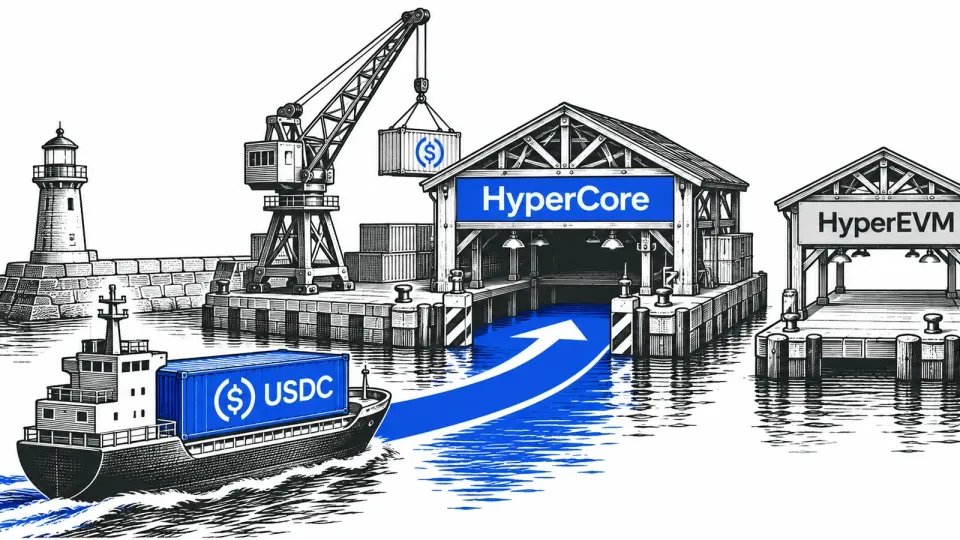
Hyperliquid's app terms exclude users in the United States and Ontario, Canada. For eligible users depositing USDC for trading, the route must credit the intended HyperCore balance. USDC arriving in a HyperEVM wallet is a different destination, even when the wallet address looks the same.
I would choose the destination before buying gas or moving funds. That prevents an unnecessary detour through Arbitrum when the app already supports your source, and it avoids mistaking an EVM wallet balance for trading collateral.
Choose the balance you intend to fund
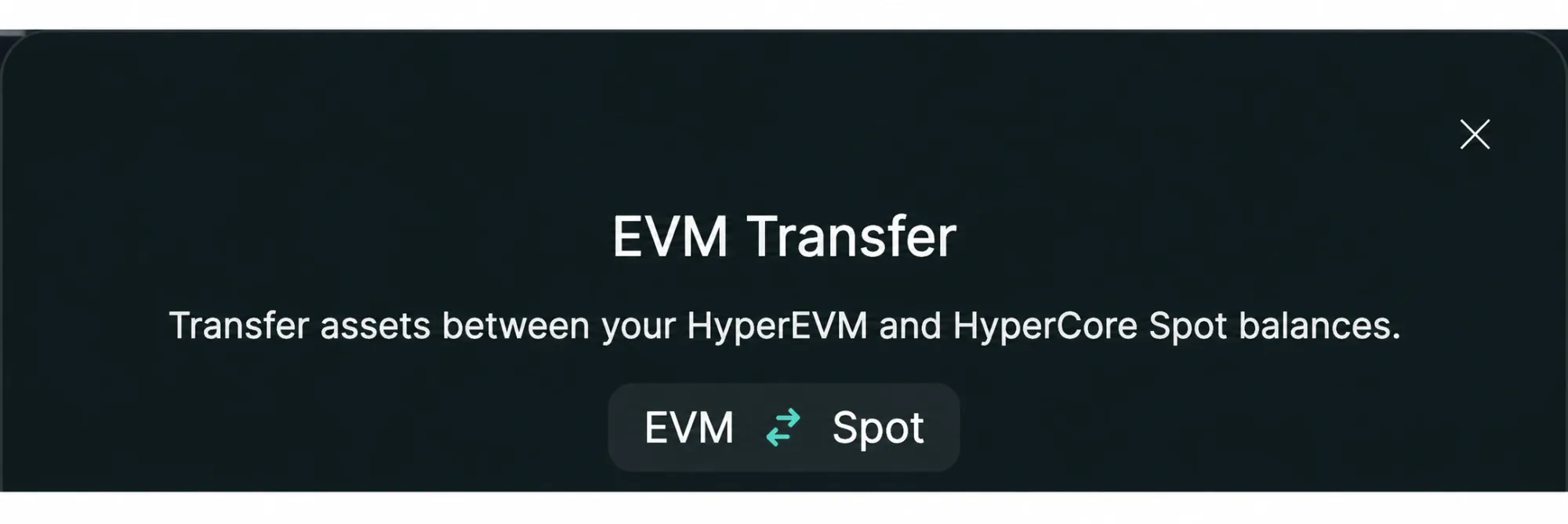
HyperCore contains Hyperliquid's native trading functions; HyperEVM supports EVM applications. They share the same underlying blockchain consensus, but their balances and transfer workflows remain distinct. Hyperliquid's HyperEVM onboarding instructions describe a separate transfer between HyperEVM and HyperCore Spot balances.
| Intended result | Check before funding | Confirm completion |
|---|---|---|
| USDC available for HyperCore trading | The route must name HyperCore and the intended account or balance | Check the credited balance in the connected Hyperliquid account |
| USDC in a HyperEVM wallet for an EVM application | Select HyperEVM and the supported token; prepare HYPE for gas there | Check the wallet's HyperEVM token balance |
| An asset moved between HyperEVM and HyperCore Spot | Use the supported asset and direction in the EVM transfer control | Check the receiving side after the transfer completes |
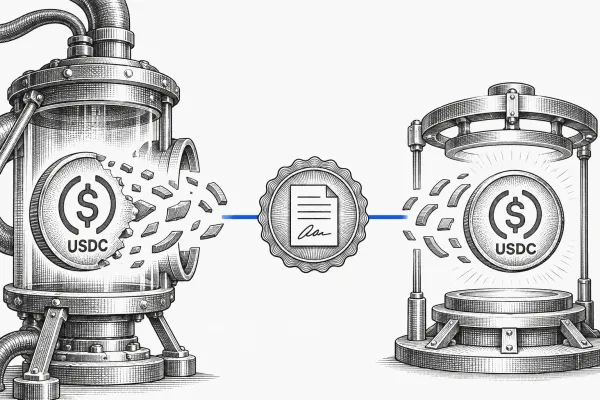
For CCTP deposits to HyperCore, Circle describes a transfer that mints USDC on HyperEVM and then deposits it into a CoreDepositWallet contract. Circle distinguishes the resulting HyperCore credits from Circle-issued USDC held by that contract. A successful mint on HyperEVM alone doesn't establish that the intended HyperCore balance was credited.
Check access, the source asset and the route
The terms also restrict sanctioned territories and other defined persons. Read the complete eligibility conditions before funding; don't conceal your location or try to evade an access restriction. This deposit workflow doesn't assess whether trading is suitable for you.
Open the app through the official support page's verified trading link, then check the full domain. Keep your recovery phrase and private key out of websites and support messages. A wallet connection, an authorization to spend USDC and a deposit transaction are different permissions; review each request before signing.
For a wallet-funded Arbitrum route, Hyperliquid's onboarding instructions require USDC and ETH on Arbitrum for the ordinary deposit flow. Match the actual USDC contract accepted by the route. A USDC.e balance isn't interchangeable merely because its ticker resembles USDC; the native and bridged USDC distinction matters before approval.
Check the route's displayed minimum and net amount after charges. Keep enough native gas for the source transaction unless the selected service explicitly sponsors it. Circle documents a sponsored Arbitrum integration in which a relayer pays ETH gas, but that doesn't make every wallet deposit gasless.
Follow the deposit method shown for your account
The official onboarding page documents different paths for email login and a connected DeFi wallet. I would follow the path presented for the account receiving the money, without combining an address from one method with instructions from another.
- Open the official app and connect the intended account. Check its address before continuing. For an email account, use the app's documented email login; for an external wallet, review the wallet connection request.
- Open Deposit and select the supported USDC source network. The documented email-login path supports sending USDC on Arbitrum, Ethereum, Base or Polygon to the deposit address shown. The ordinary connected-wallet USDC walkthrough uses Arbitrum. Other integrations can expose different supported routes.
- Confirm the receiving destination is the intended HyperCore account balance. If an exchange offers a network called Hyperliquid, establish whether its withdrawal credits HyperCore or HyperEVM before using it.
- For an address-based deposit, copy the address displayed for that selected network and asset. For the connected-wallet flow, enter the amount and review the app's deposit request. Check any spending authorization separately from the transfer.
- Review the amount, estimated charges and destination before authorizing. Start with an amount that meets the route's minimum and that you can afford to put at risk. Save the transaction hash or the service's transfer reference.
- Check the transfer status and the credited HyperCore balance in the intended account. Send a larger amount only after that first deposit completes as expected.
Unit's spot-asset deposit flow uses an address for a selected asset on its matching network. A Bitcoin deposit address in that flow is not a USDC receiving address. Use the asset instructions in the actual Deposit window rather than copying an address from an unrelated tutorial.
Separate gas, forwarding and account activation costs
A route can have a zero protocol transfer fee and still incur other charges. Circle's HyperCore explanation separates a CCTP fast-transfer fee from an optional forwarding service's destination gas charge. Compare the final amount credited after the complete route, not a single advertised fee.
For new HyperCore accounts, Circle describes a one-time 1 USDC activation fee charged on the first outbound action, such as a withdrawal or transfer. The initial deposit is credited in full under that rule; the first outbound action requires at least 1 USDC available. This account cost is separate from CCTP forwarding charges. Leave funds for the action you intend to take after depositing.
Hyperliquid's onboarding page describes trading as gas-free, but trading fees and trading losses are separate from blockchain gas. A funded account is not a promise of returns. If your goal is an EVM application instead, its transactions require HYPE on HyperEVM.
Locate the unfinished stage before sending again
Start with the transfer reference. If no source transaction was submitted, review the wallet or exchange withdrawal status. If the source transaction failed, it didn't complete the deposit; diagnose its error before retrying. A pending source transaction needs a source-network check, not another deposit.
After a successful source transaction, follow the selected service's transfer status through destination delivery. For a CCTP route to HyperCore, distinguish the source burn, destination mint and forwarding credit. Circle's Arbitrum-to-HyperCore instructions warn that incorrect forwarder recipient or caller settings can leave funds permanently stuck. Don't improvise contract calls from an old tutorial to repair a missing deposit.
Confirm you're viewing the same account and the intended HyperCore balance. If the funds arrived in a HyperEVM wallet, return to that route's destination instructions. The official EVM transfer control supports specific assets and directions; a HYPE-only transfer address must never receive USDC or another token.
For an unresolved deposit, open support from the official app or documentation and provide the source network, token and transfer reference. Hyperliquid's support guide warns that unsolicited direct messages are impersonators. Keep the receipt while support identifies the unfinished stage, and avoid another transfer until the destination and route are clear. For a different network, use the USDC network guides to check the asset at that end first.