Chain Bridge

Contents
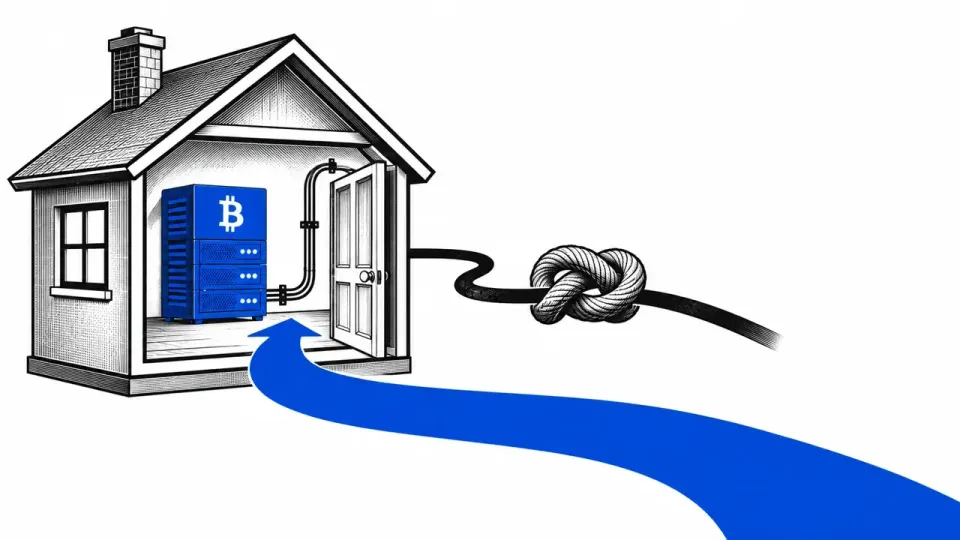
Open http://umbrel.local from a phone or computer on the same home network as your Umbrel. If the name doesn't resolve, use the Umbrel's local IP address from your router's connected-device list. I'd try that direct address before reinstalling anything: it separates a local-name problem from a server that isn't reachable.
Start on the same network
Umbrel's connection instructions describe access through a local browser after the machine is powered and connected to the router. A phone using cellular data or a guest Wi-Fi network may not be able to reach it. Enter the address in the browser's address bar rather than searching for “umbrel local.”
Check power and the Ethernet connection at both ends. If your setup is still booting, allow it to finish before diagnosing an unavailable dashboard. A local dashboard address isn't a public website and doesn't become reachable from outside your house merely because the Umbrel has internet access.
If you deliberately changed the hostname, use that configured name or the device's actual IP. The default umbrel.local address need not remain your machine's name.
Find the IP without changing the machine
- Open your router's app or its documented administration page.
- Find the connected-device list and look for the Umbrel. Confirm the device identity rather than guessing from an unfamiliar address.
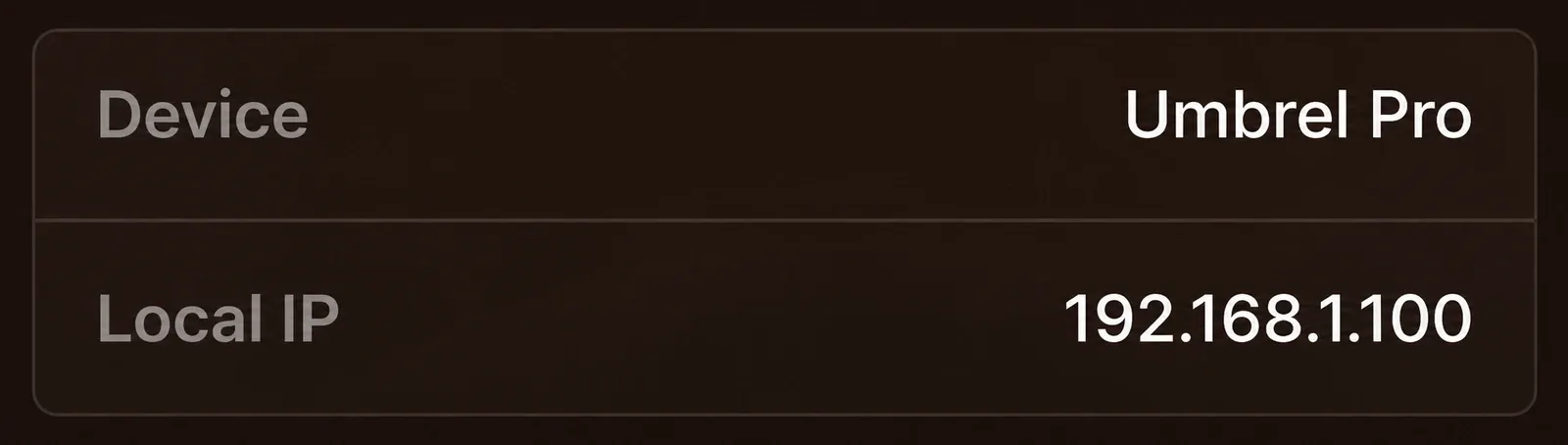
- Enter that device's actual local IP address in the browser, using
http://. For example,http://192.168.1.100is only an illustration; your address can differ.
If the dashboard opens by IP but not by umbrel.local, you've narrowed the problem to local naming or the client/network path used for that name. You can keep using the actual IP while checking the router's and operating system's support for .local discovery. A DHCP reservation in the router can keep the address stable; follow the router's own instructions.
Use the browser error to choose the next check
| Result | Useful next step |
|---|---|
| Name fails, direct IP works | Investigate local-name resolution; keep the functioning direct address |
| Neither address works; device missing from router | Check power, Ethernet, router and whether the device has finished starting |
| Device appears, browser times out | Check guest-network isolation, client VPN routing and connectivity from another device on the same network |
| Connection is refused | Check startup or service health; this alone doesn't prove a DNS fault |
| Dashboard opens, but an app doesn't | Investigate that app separately; basic dashboard access already works |
Trying another browser or another device is a small, reversible check. If a client VPN is routing local traffic away, test a local-network exception according to the VPN's instructions instead of opening inbound ports on the router.
A visible login screen means dashboard connectivity is working. A forgotten login password is a separate recovery task; don't publish the dashboard or share recovery information to solve it.
Don't apply old recovery commands blindly
Community threads describe different generations of Umbrel. A 2021 refused-connection discussion includes Raspberry Pi startup and storage problems; it doesn't establish one universal fix for current umbrelOS. Record your hardware, umbrelOS version, router visibility and exact browser error before contacting support.
Do not reflash a system containing wallet or Lightning data to repair a hostname. Backups and recovery procedures depend on the installed apps. For access away from home, use a documented secure remote-access method, keeping the dashboard off the public internet.