Chain Bridge


Contents
Use Bitcoin Core’s cookie authentication for a local client that can privately read the node’s cookie file. Choose rpcauth when a trusted local service needs a stable username and password. I’d keep RPC on loopback and verify it with an explicitly HTTP-based call before connecting the application: a working GUI console or a default bitcoin-cli call can prove something different.
Choose the credential your client can use
RPC credentials grant substantial control over the node, its loaded wallets and files accessible to the node process. This setup belongs on a computer whose software and users you trust. Core’s RPC security guidance warns that command whitelists aren’t a dependable isolation boundary between users or wallets. A separate RPC username doesn’t create a safe account for an untrusted customer.
| Local client | My choice | Keep private |
|---|---|---|
| CLI or application that supports a cookie-file path and can read it under the intended OS account | Cookie authentication | The file and its contents; the application must handle replacement after a node restart |
| Trusted service that needs a stable credential instead of reading the node account’s cookie | A generated rpcauth entry | The separate client password, service secret storage and server configuration |
| Untrusted user or publicly reachable application | Redesign access and system isolation first | Don’t hand over either credential as a substitute for isolation |
The cookie is a local credential file, not a browser cookie to send in an HTTP Cookie header. Core’s HTTP client uses its contents for Basic authentication. With rpcauth, the server keeps a salted password verifier, but the client still authenticates with the actual username and password. Neither method encrypts the connection. Never expose Core RPC to the public internet. Adding a password, an IP allowlist or a Tor address doesn’t make that exposure safe.
Check the running node before editing its configuration
These command examples follow Bitcoin Core 32.1. Start with an installed node and the bitcoin-cli executable from the intended Core installation; the basic Bitcoin node setup covers that earlier stage. Use your own base data directory and selected chain consistently. Don’t start a second node against a directory already in use.
Find the configuration actually used by that process, including any custom -conf, -datadir or included file. By default, bitcoin.conf lives in the base data directory: %LOCALAPPDATA%\Bitcoin on Windows, ~/.bitcoin on Linux or ~/Library/Application Support/Bitcoin on macOS. The base configuration stays there even when the selected chain stores its other files in a subdirectory.
bitcoind enables HTTP RPC by default; the GUI bitcoin-qt doesn’t. For the GUI, add the following setting to its active configuration if server mode isn’t already enabled. Configuration entries omit the leading dash:
server=1Save a private backup before editing and restart the intended node normally afterward. The Core configuration rules require a restart for file changes to take effect; startup arguments can override file settings. Leave RPC binding at its local defaults, 127.0.0.1 and ::1. Review any existing rpcbind and rpcallowip overrides before continuing. You don’t need to add either option for an ordinary local client, open a router port or relax a firewall.
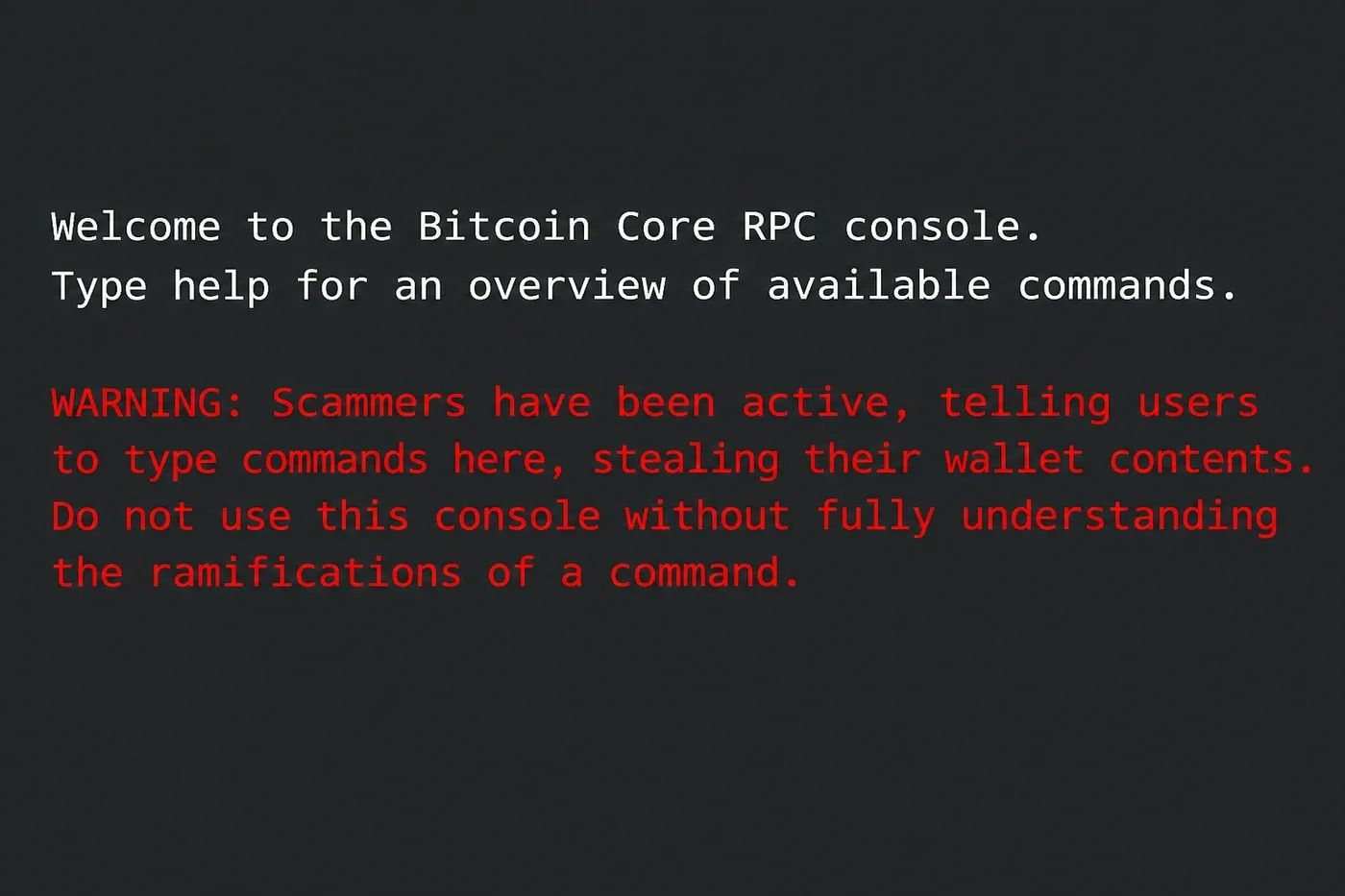
The GUI’s console can execute RPC methods inside the application without proving that an external HTTP client has authenticated. It’s useful for node work, but it can’t replace the connection check below. Only enter commands you understand.
Connect with the current cookie file
When no nonempty rpcpassword is configured, Core generates fresh cookie credentials at startup. The Core file layout places .cookie in the active network’s data directory: the base directory on mainnet, or a subdirectory such as signet or regtest. An explicit rpccookiefile changes that path. The file is removed on a normal shutdown and replaced at the next startup.
Keep the default owner-only access. If a service runs under another OS account, check its supported authentication method before changing permissions; don’t make the cookie readable by everyone. For an application with a cookie-file setting, supply the private path and ensure it reloads changed credentials after a restart. Copying the contents once into a permanent password field leaves a stale secret waiting to fail.
bitcoin-cli can read the cookie automatically when it uses the matching data directory, chain and cookie setting. If an existing setup has rpcuser/rpcpassword, identify its dependent clients before migrating them. A nonempty server rpcpassword prevents the default cookie-generation path. Remove the old pair only as part of a coordinated change, then restart and verify; don’t delete the data directory or wallet to fix authentication.
Verify HTTP authentication and the intended chain
Run this read-only example from a terminal under the OS account that can read the cookie. It assumes the default mainnet directory and RPC port with no conflicting configuration. In Windows PowerShell, replace the executable name with .\bitcoin-cli.exe when running from its installation folder. Otherwise, use the executable on your command path or its full path with your shell’s quoting rules.
bitcoin-cli -noipcconnect -rpcconnect=127.0.0.1 getblockchaininfoFor a custom directory or test chain, add the same -datadir and chain selector used by the node. Match any custom -rpcport and -rpccookiefile too. Use the RPC port rather than the peer-to-peer connection port. Don’t point a mainnet client at an arbitrary test-node port and assume a valid password proves the chain is correct.
The explicit transport matters. In the Core 32.1 CLI implementation, automatic IPC can serve a call through a local socket instead of HTTP. Here, -noipcconnect disables that route and -rpcconnect=127.0.0.1 selects IPv4 loopback. A successful result from this call establishes that this client reached an HTTP endpoint and authenticated; check that the returned chain is the one you intended. For default mainnet, it should be main. It doesn’t certify full synchronization or another application’s configuration.
Use rpcauth for a stable local service credential
I’d use the official offline helper rather than type a service password into a web generator. The Core rpcauth helper is in the source tree, which may be separate from an installed binary package. With Python 3 available, this documented example runs from the corresponding source-tree directory and uses a neutral service name:
python3 share/rpcauth/rpcauth.py node-clientThe helper prints two different items: a server rpcauth= line and a client password. Keep both in private storage. Add the generated line to the active server configuration without altering its salt or hash, then restart Core. Give the service the username node-client and the separately generated password. The salt-and-hash text isn’t the client password. An rpcauth entry can coexist with cookie authentication.
To verify that static credential independently of the cookie, the CLI supports reading the RPC password from standard input. This example avoids putting it in the command itself:
bitcoin-cli -noipcconnect -rpcconnect=127.0.0.1 -rpcuser=node-client -stdinrpcpass getblockchaininfoEnter the generated client password through the local input prompt, with the same directory, chain and port adjustments as above. Don’t substitute a wallet-encryption passphrase. Keep service secrets out of shell arguments, repository files, screenshots and raw HTTP debug logs. A server-side hash reduces plaintext storage in the server configuration; it doesn’t remove the service’s need to protect its password.
Fix the failing layer before widening access
| Observed symptom | Check next | Expected change |
|---|---|---|
| Connection refused or communication failure | Intended process running, GUI server mode enabled, correct local RPC address and port; configuration restarted | The client reaches an HTTP RPC response |
| Authorization failure or HTTP 401 | Matching directory/chain/cookie path and read access, stale copied cookie, or the actual static username/password | The same HTTP call authenticates without changing bind addresses |
| HTTP 403 from Core | The user’s method whitelist and default whitelist policy; don’t assume it means a wrong password | The intended trusted local method is allowed under the reviewed policy |
| JSON-RPC error after authentication | The method, arguments and wallet endpoint | The requested method returns its expected result, not merely an HTTP success code |
Core’s HTTP RPC handler distinguishes failed credentials from a disallowed method. With JSON-RPC 2.0, an application error can arrive with HTTP 200, so inspect the reply body. For wallet calls, select the intended loaded wallet with -rpcwallet; a wallet endpoint is required when multiple wallets are loaded. Start with getblockchaininfo so wallet selection doesn’t obscure the authentication check.
If a credential was disclosed, replace it and update its clients. For rpcauth, remove the old verifier, install the replacement and restart the intended node; for a cookie, a normal node restart generates a replacement. Neither step repairs a compromised computer. Before asking for help, record the Core version, selected chain, transport, port and exact redacted error. Share a sanitized path if needed, never cookie contents or an Authorization header. Once the local HTTP check works, connect the service under its actual OS account and verify its own request through the same endpoint; the node guides provide the surrounding setup context.